Demo Website Installation
This section describes the installation of the MIKE OPERATIONS Demo Website, using Microsoft IIS Express.
MIKE OPERATIONS Database
The MIKE OPERATIONS demo website requires a MIKE OPERATIONS database containing a MIKE OPERATIONS real-time configuration.
Installation
Install the demo website using the MIKE OPERATIONS Web installer.

The installer is part of the official MIKE OPERATIONS Release.
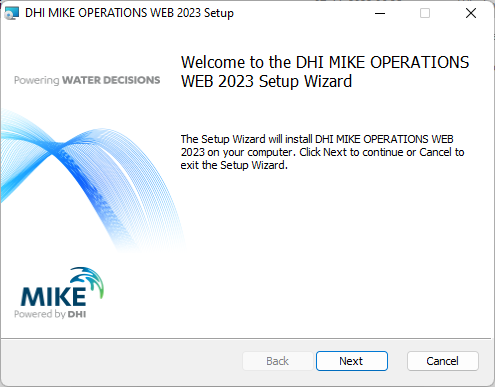
Click Next.
Read and accept the License Agreement.
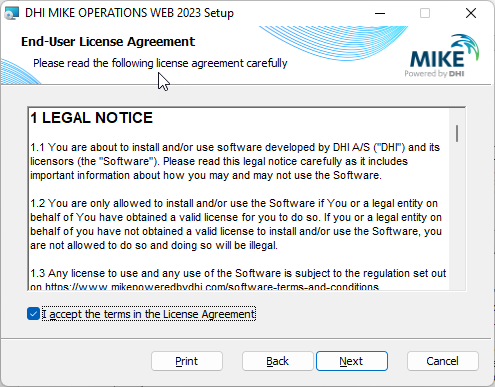
Click Next.
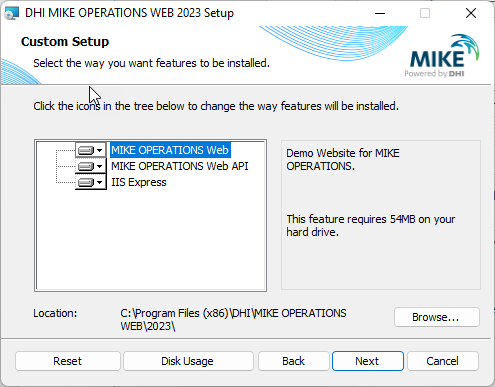
Make sure that both MIKE OPERATIONS Web and the IIS Express is selected.
Internet Information Services (IIS) 10.0 Express is a free, simple and self-contained version of IIS that is optimized for developers.
IIS 10.0 Express makes it easy to use the most current version of IIS to develop and test websites. IIS 10.0 Express has all the core capabilities of IIS 10.0 and additional features to ease website development.
The benefits of using IIS 10.0 Express include:
- The same web server that runs on your production server is now available on your development computer.
- Most tasks can be done without the need for administrative privileges.
- IIS Express runs on Windows 7 Service Pack 1 and all later versions of Windows.
- Many users can work independently on the same computer.
Click Next.
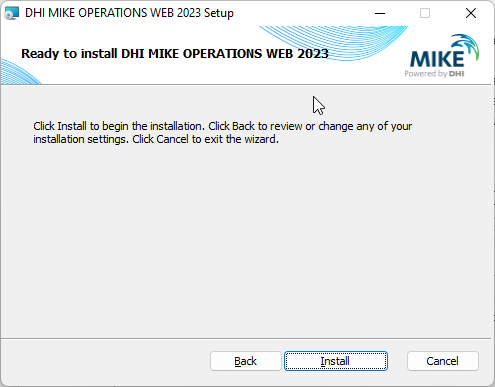
Click Install to start the installation.
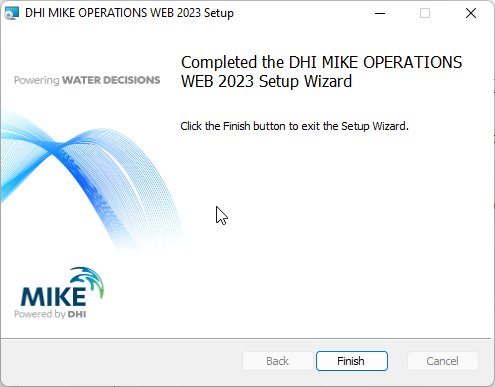
After the installation completes, click Finish.
Database Connection
Before the website can be started, the database connection must be specified.
Go to the installation folder using the Windows Explorer. By default, the MIKE OPERATIONS Web installer will install into:
C:\Program Files (x86)\DHI\MIKE OPERATIONS WEB\2023\Web\App_Data
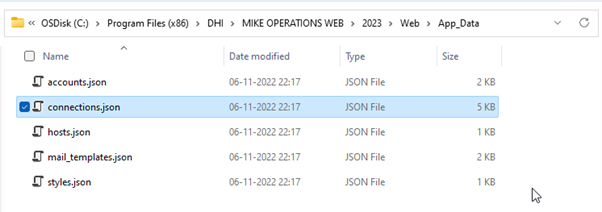
Edit the connections.json file, specifying the name of the PostgreSQL database to use in the connection strings for each connection.
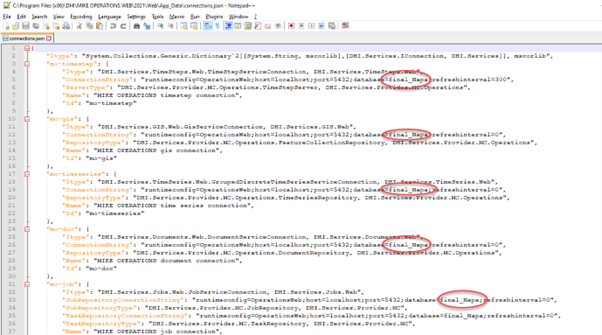
By default, the connections.json file assumes that the database is found on the current workstation.
If the PostgreSQL database is found on a remote computer, specify host=<remote computer name>.

Starting the Website
The MIKE OPERATIONS Web Installer will create the following shortcuts:
- Configuration and IIS Deployment
Information about setting up the Website and IIS for a production website. - Demo Website Install Guide
This guide, for setting up a demo website using IIS Express. - MIKE OPERATIONS Web
Shortcut for starting the MIKE OPERATIONS Demo website.
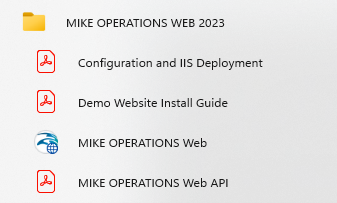
When selecting the shortcut for starting the MIKE OPERATIONS Demo Web, IIS Express will start in a separate console window and the Website will be shown using the default browser.
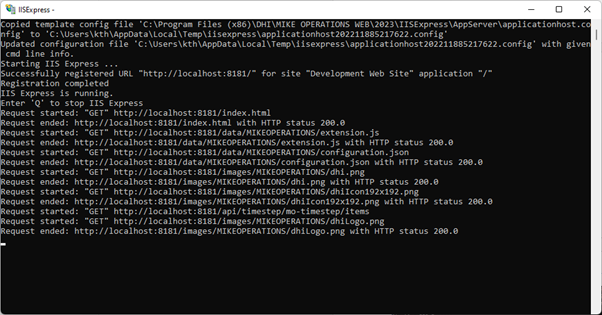
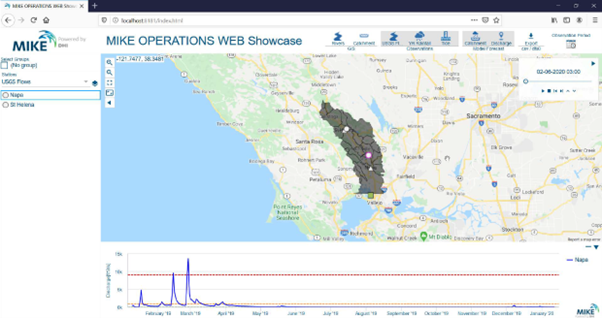
After closing the browser, the IIS Express console window must be closed manually (hit the q key when the IIS Express console window is active).
Troubleshooting
Server Error in '/' Application
Problem
Getting “Server Error '/' Application
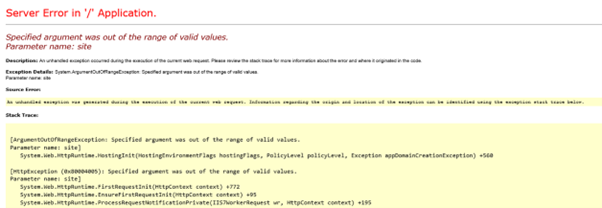
Solution
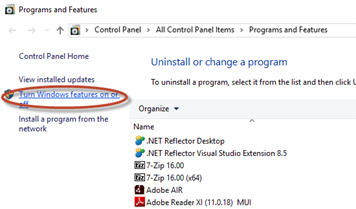
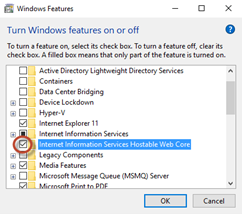
From Programs and Features, install the Windows feature Internet Information Services Hostable Web Core.